
Know How Don’t Be A Victim Of Phishing Scam
Have you ever come across any suspicious email, motivating you to click on a link?
Hold on!!! Never do so.
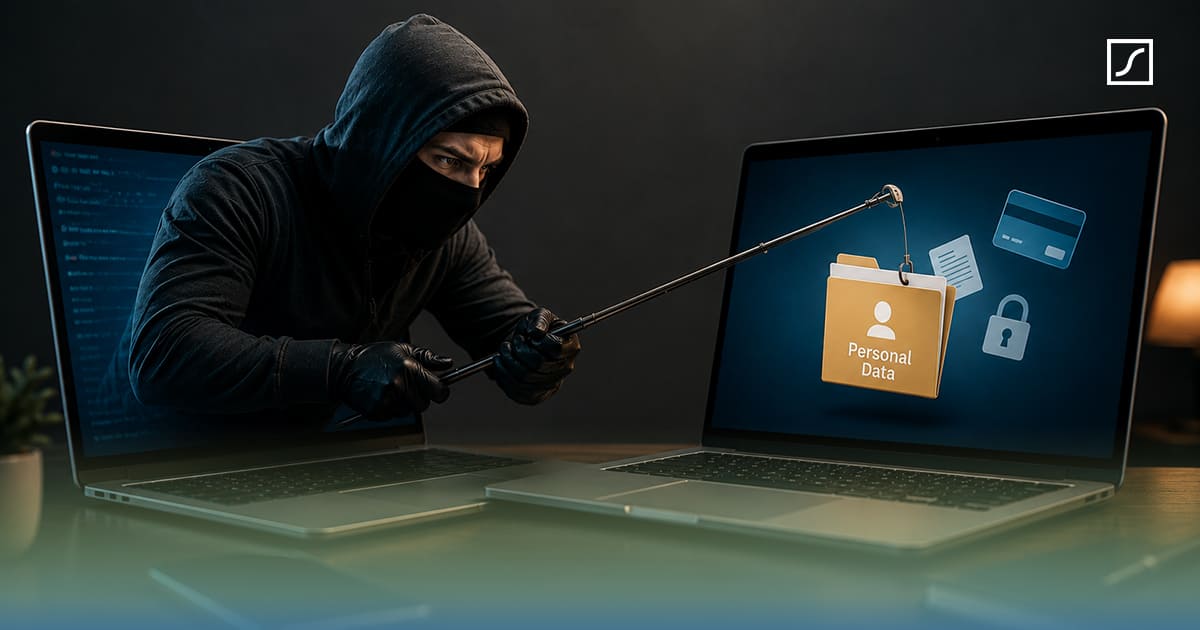
Because a single click and the hacker could sneak into crucial database. Yes, we’re talking about the phishing scam engulfing the business world and common population. If you want to understand how phishing scam works and how to avoid it, then read further:
Understanding the dark world of phishing scam:
The cybercriminals are coming up with new tactics to break into your email and mobile phone and steal crucial data, later using it for their monetary benefits. Just imagine how important is your mobile phone and email and the type of data in them. So, if a wrong person gets access to this data what could be the consequences?
Many corporates and personal email users have been targeted by these phishing scams. But the complex challenge that corporates face – a mistake by a single employee and the organization has to face negative consequences. In such a scenario, increasing awareness among employees and improving the IT defense structure is the only solution. We should know these scammers aren’t going to vanish any time soon, so all we could do is beat them in their own game.
How do scammers execute their phishing scams?
- Posing as an influential person from the organization (CEO, CFO, or others) and reaching out to employees to transfer money.
- Stealing a company’s crucial data and threatening to publish it if not paid the ransom, which is known as ransomware.
- Pretending to convey crucial information; yes, they would weave a believable story leading you in the direction they want. It looks like, “You are loyal to our service and it has been great serving you. But you need to update personal information at the earliest otherwise your account would be blocked” and so on.
How could you find such phishing emails?
Now in many such phishing emails, you could easily notice amiss features. For instance:
- If the company’s name is Suntech.com, the domain name is Santech.com. So, as the employee is familiar with the name Suntech, there are high chances a naïve employee or user could ignore the spelling difference in domain and fall prey to it.
- An interesting way- If you find too many spelling mistakes or grammar errors it’s a red flag. A reputed organization would never have so many errors in a single email. They have professionals who draft these emails so how could they commit such errors?
A recent case of Cybercrime:
NHS (National Health Service) software supplier has recently been attacked by ransomware cyber scam jeopardizing patient data. The cybercriminals have targeted sensitive processes of the organization such as emergency prescriptions, ambulance dispatch and others. The reputation of the organization is at stake as healthcare is a critical service, and scammers think that decision-makers would be forced to pay the ransom.
On the other side, it could take almost four weeks to fix this mess.
So how could you protect yourselves from these crimes?
- Using antivirus software: The latest anti-virus software could protect your data significantly. The firewalls act as a strong defense against any suspicious activity. It would look into every file that a user gets from the internet. It would increasingly help the user to protect their data and have peace of mind.
- Ignoring suspicious pop-ups: Always click on pop-ups when you’re sure about it. Some of these pop-ups can let the malware download into your system. This could give scammers an opportunity to take out your personal information and misuse it for their benefit.
- Keeping the browser updated regularly: When your browser is updated you don’t need to worry much about these scams as it would keep you protected. So, keep your browser updated at any cost to avoid long-term pain.
Conclusion:
Businesses and common population need to be alert and update their system with the latest software. But is it 100% guaranteed there would be no security breach? The answer is no.
Cybercriminals are always finding innovative ways to break into your system. They are working overtime to find loopholes in the system and sneak into it. The mantra here is to be always one step ahead of these criminals by laying out a perfect plan and strategy to protect the system. Understand futuristic Cybersecurity technology and make your system better each day.